

How it works
How a week goes
An example week



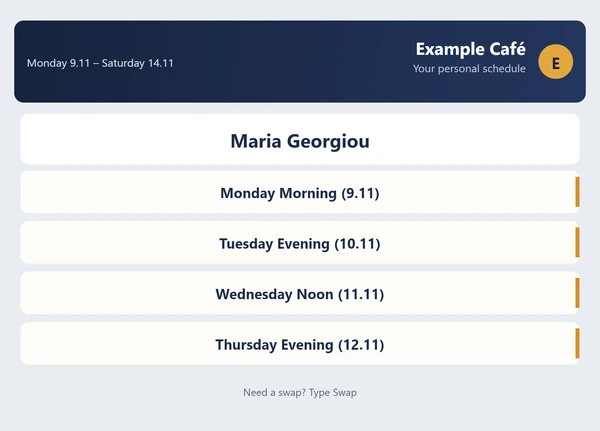
On your staff's phonesOn your phone

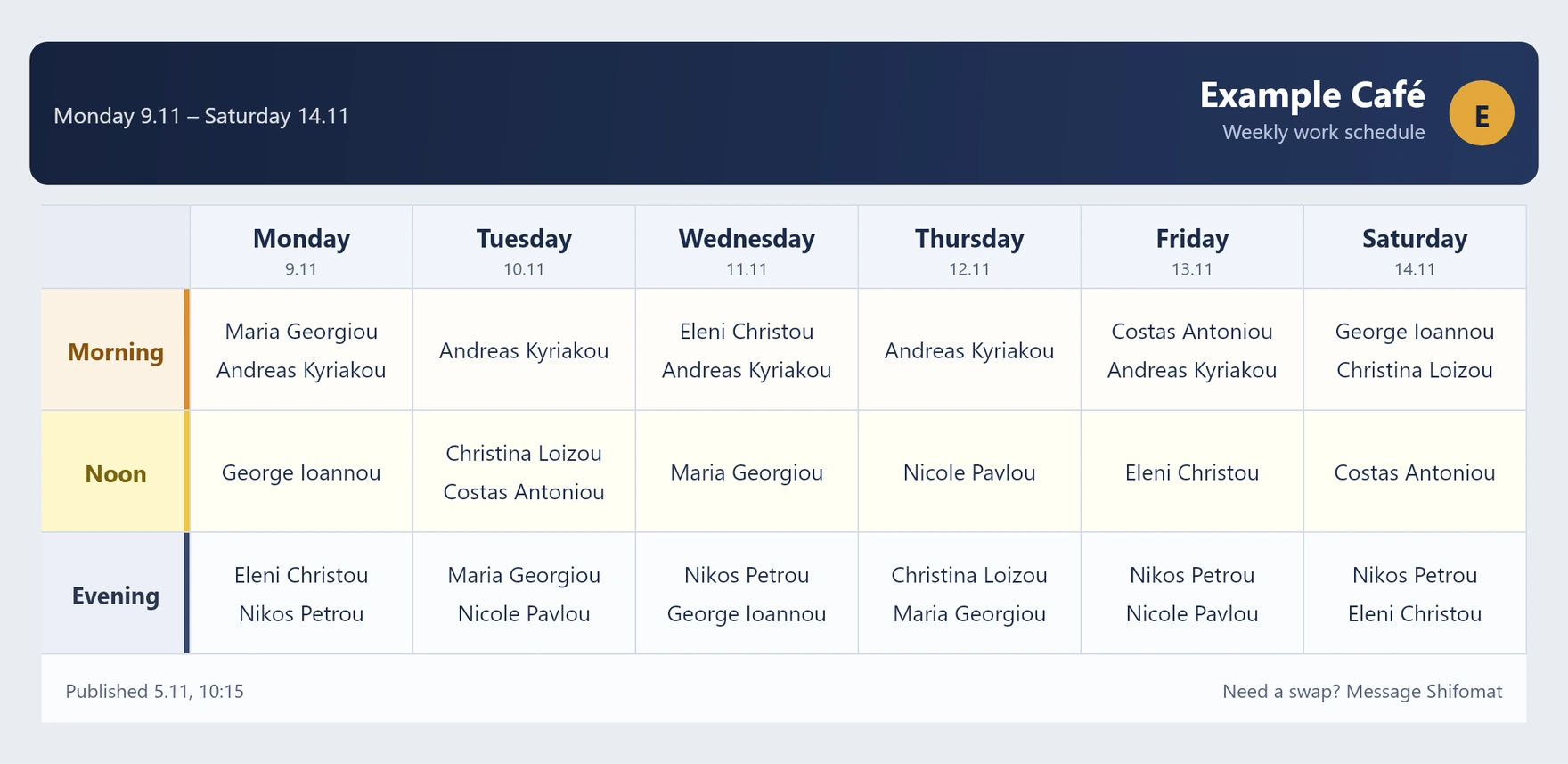
Example. The business and the names are made up.
How it works
How a week goes
An example week
Sunday, 21:00
The bot asks everyone
On the day and hour you choose, everyone on your staff gets a WhatsApp message with a button to send their availability.
Wednesday
It reminds whoever hasn't answered
Anyone who hasn't answered gets a reminder, then a last call. None of it comes from you.
Thursday
You tap “Build schedule” and approve
Shifomat fills each shift from who said they're free. Change what you want and approve: the week goes out as one image, and each person gets their own shifts.
No AI. You set the rules, the bot fills the slots from your staff's availability, and nothing is sent until you approve.
Before the first week: set your shifts and how many people each one needs, then add your staff or send them a join code. You set it once, and Shifomat remembers.